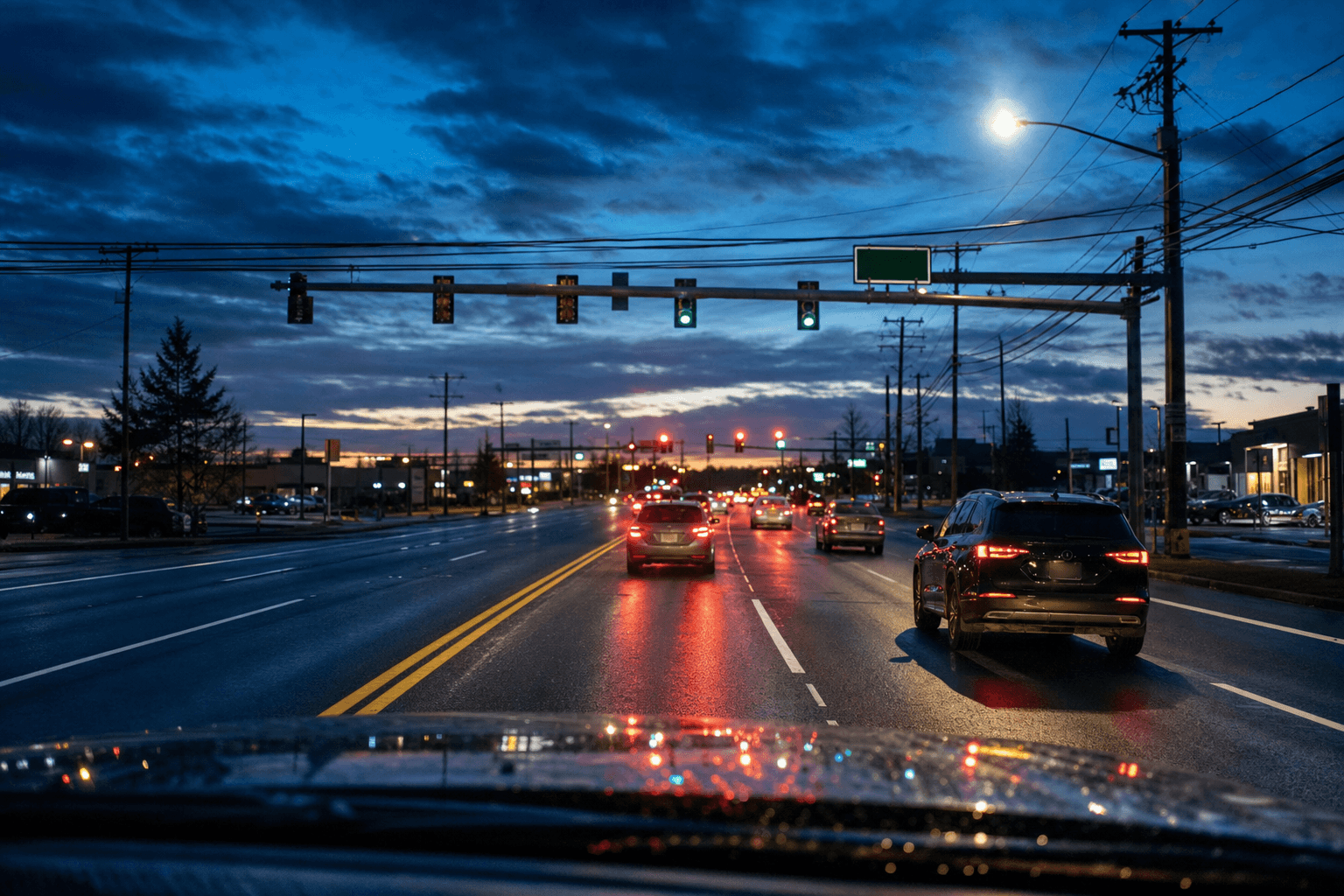
Hands stay on the wheel.
One phrase files the report.
It is a dashcam until you need it to be more. Say the phrase you chose and RoadSentinel packages that moment — footage, location, time — into a report built for your country’s channel. By default nothing is submitted until you confirm it.
Free to start · the dashcam never costs anything
- Recognition runs on your device
- 78 offences, each with its statute
- The weaknesses listed before you submit
- Apple Watch · Wear OS · widgets
The browser version stops recording when you leave the tab, and a capture it could not upload stays only in the browser’s own library. Continuous recording, the watch and parking mode are in the app, which is on its way to the stores.
- Evidence saved
- Uploading
- Analysing
- Needs review
- Ready to file
On the default setting the 60 seconds before the phrase and the 60 after it become the clip — the UK wants a minute either side. The state names above are the ones the report cards use.
RoadSentinel in numbers
None of these figures is typed in. They are read from the same registry and plan table the app runs on.
How it works
Mount it, and forget it.
Nothing to look at and nothing to press while you are driving. One phrase is the whole interaction.
It records continuously
The road ahead is always recording, and the recent past stays in memory. That matters: your country sets how much footage a report needs — the UK wants around a minute either side, so RoadSentinel keeps 125 seconds buffered there. You can speak after the event and still have the run-up.
You choose the phrase
You decide what to say — "ran the red light", "cut me up". The app uses on-device recognition where supported; browser recognition may use the browser provider’s servers.
You check, then submit
The report comes back filled in — the offence, the statute your country actually cites, where it happened. You read it, confirm, and get the finished package to lodge with your own force — these channels are bound to your signed statement, so the last click is yours.
Features
The part a dashcam leaves you to do.
Any dashcam saves the footage. The work is what comes after: finding the clip, checking the timestamp, looking up the road name, learning what your local force will and will not accept.
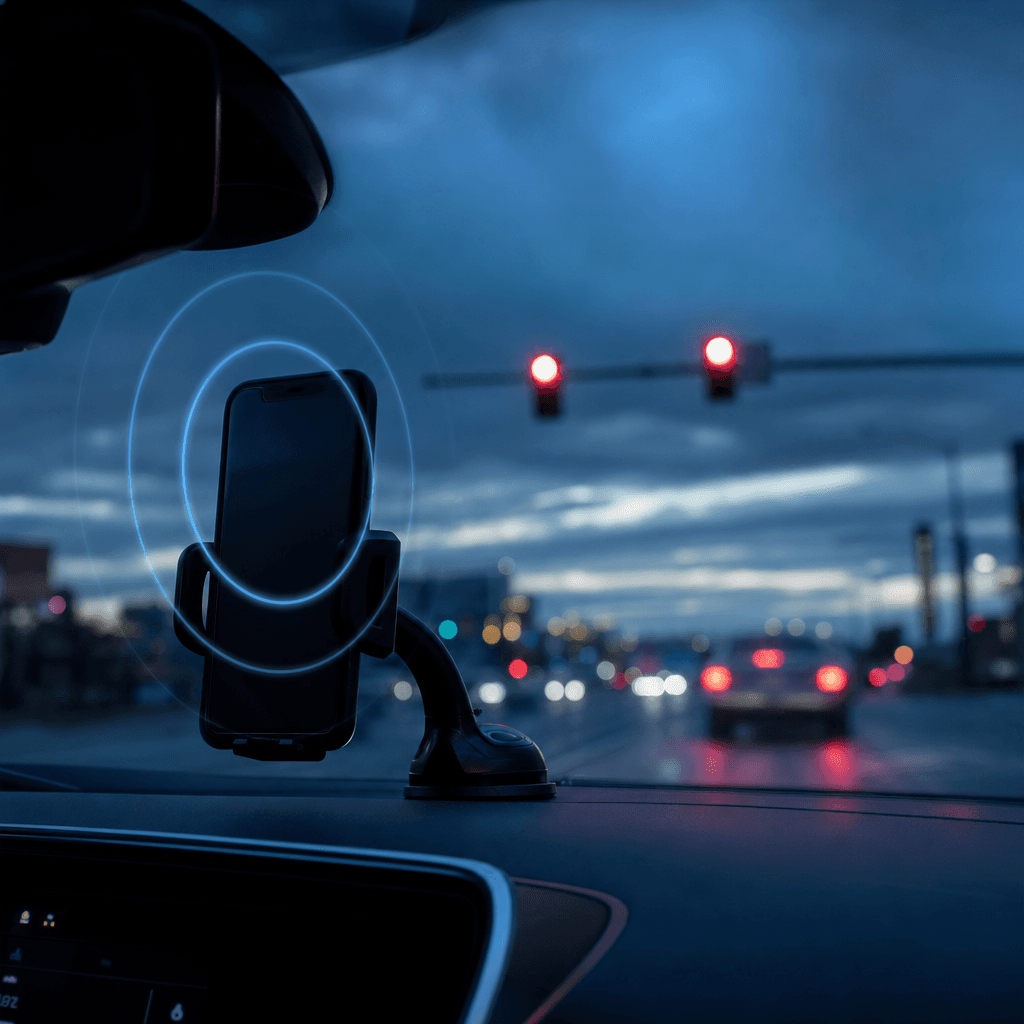
Your phrases, your sensitivity
Add as many trigger phrases as your plan allows. Loosen one that keeps being missed, tighten one that fires mid-conversation. Phrases common in ordinary speech are refused when you add them — "ok" and "stop" would trigger constantly — as are phrases too close to one you already have.
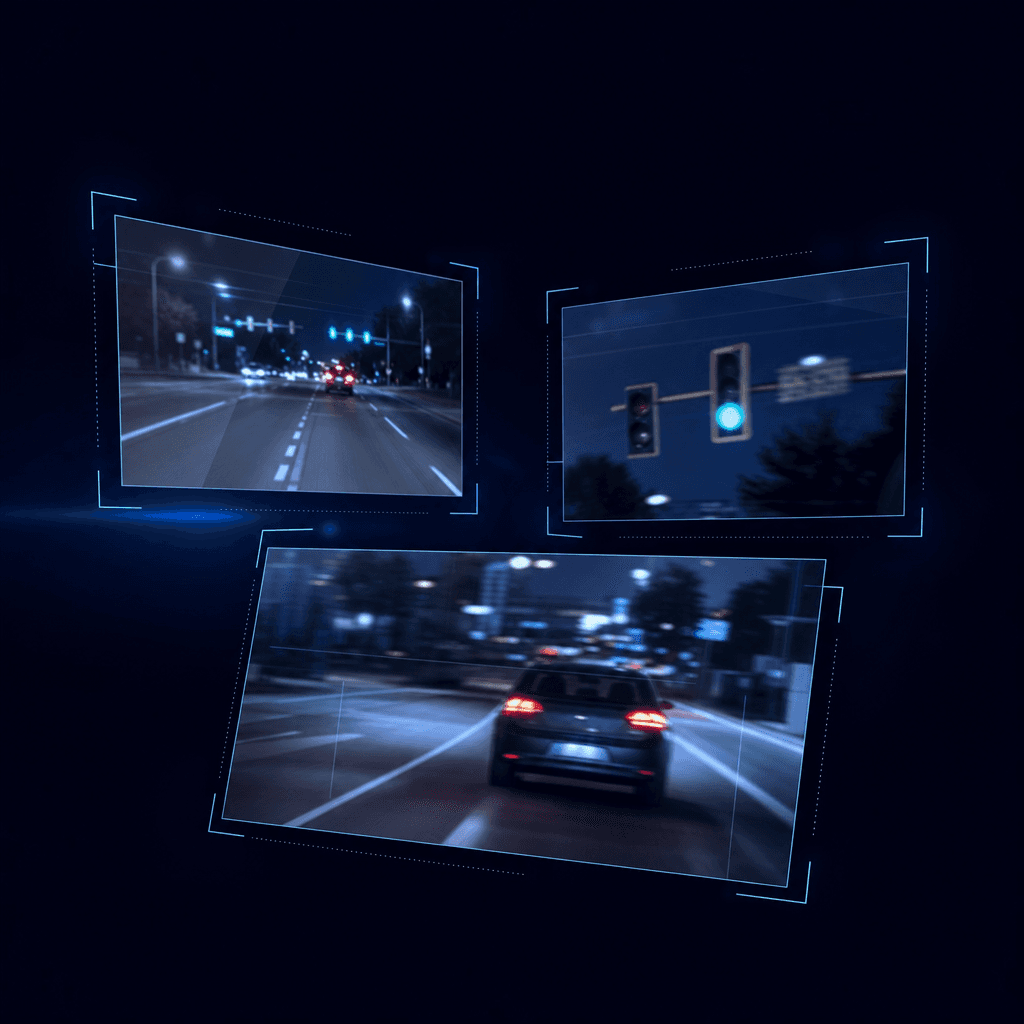
It assembles the evidence
Frames from either side of the moment are pulled out to classify the offence, coordinates become a street address, and the statute for your country is attached. Where the footage does not actually support the claim, it says so rather than filing anyway.

Guards against a wrong accusation
An unreadable registration is left blank rather than guessed. Duplicates are blocked. Offences where a mistake is most costly always need your confirmation, whatever your settings say. The person being reported never agreed to any of this — that asymmetry is the reason these limits exist.
And then
What sits behind the one phrase.
The voice trigger is where it starts. The moment your wrist is closer than the phone, the hours the car is parked, the tunnel, and the desk of the person who reads the claim — this is how the rest was filled in.
One press, from the wrist
The Apple Watch and Wear OS apps are one screen and one button. There is no list of offences on purpose: picking from a list on your wrist at 50 mph is the interaction the voice trigger exists to remove. A capture from the watch gets its offence chosen later, and is always confirmed by a person — even on an account with hands-free filing on.
A widget that does not lie
The home-screen widget shows whether recording is on right now. If the app is killed or crashes, the widget switches itself to “check the app” within 90 seconds. Believing there is footage when there is none is the most dangerous state a dashcam can be in.
It watches the car while it is parked
Finding out who hit your car in a car park is the most common reason people buy a dashcam. Parking mode blacks out the screen and waits for an impact; when one lands, the seconds around it are kept automatically and the count shows on your watch. The phone has to stay mounted and on its charger, and there is no alert — the phone is in the car, so ringing there would tell nobody.
Every file carries its fingerprint
Each clip is hashed with SHA-256 on the device the moment it is captured, and the server recomputes the hash from the bytes it receives. The first thing an insurer or a court asks about footage is whether the file was touched, and the result of that comparison is printed on the document.
A PDF you actually hold
The filing package and the incident record render as one printable page and go straight to Mail or Messages as a PDF. A file of your own rather than a link that expires — it is still there when the adjuster opens it the next morning.
It keeps the channel’s deadline for you
Every channel has a window — 7 days for Operation SNAP, 14 for Singapore’s Traffic Police. The app counts it down on every report and will not spend your allowance on one that has already passed.
The footage survives the tunnel
A triggered clip is written to the phone before the first network request. Underground car parks, tunnels, a signal lost in a crash — the upload resumes by itself every time the app opens. A clip captured in a month whose allowance is used up is kept too, and sent when the allowance returns.
It tells you why a report went nowhere
Where a report stopped short, you are told the reason and what to change next time — the registration was unreadable, the deadline had passed, the footage did not support the claim. Seven reports at one junction are flagged as a junction problem worth raising once with the highway authority, not seven bad drivers. No streaks, no badges, no rank. A quiet week is a good week.
Locked with your face or fingerprint
Turn the lock on and the footage and the reports are shown only after the phone confirms it is you holding it. The camera and impact detection keep running underneath the lock — a dashcam that stops when you put the phone down is not a dashcam.
Nothing lost
Every way footage goes missing, closed one at a time.
The worst thing a dashcam can do is not fail to record — it is to let you believe it recorded when it did not. When the app dies, when there is no signal, when you export a file, when you send a capture days later: at each of those points, what remains is decided.
A capture that could not upload stays on the device
It sits in the device library, where you can play it, export the original, send it again, and delete it only after you have looked. The browser has the same library: even when the sign-in server cannot be reached, the footage of the last confirmed account still opens.
Recordings the app left behind are found
On iOS, the recording files still on the phone after the app was killed are found the next time it opens and placed in the library. They are not turned into reports by themselves, and where the capture time or the audio cannot be verified, the entry says so. Not pretending is half of the feature.
Checked again before it leaves your hands
When evidence is downloaded for export, its size is compared with what the server recorded, and where a SHA-256 from the moment of capture exists it is recomputed on the device and compared. If one file disagrees, nothing is shared — a bundle that is half right is the dangerous kind.
The originals, as files, yours
Beyond the one-page PDF, the video goes out as files — all of them or one at a time — through the system share sheet. The app does not say “saved” when the sheet closes, because it cannot know that. Unsent footage is kept out of OS backups, so export the library before you change phones.
You decide how many seconds to keep
Choose how much to keep before the phrase, from 6 to 60 seconds. It never drops below what your country requires, and what you chose is what is actually attached. Before attaching, the app checks that the start, middle and end of the required window are in the footage; if any is missing, hands-free sending stops and a person decides.
Processed under the rules of the day it was filmed
Film in an underground car park and send it the next day, and the report is handled with the country and submission mode in force when it was captured. Changing a setting later never widens what an existing capture may do — one made under confirm-first is confirmed by a person to the end.
Why a report stops
A report that will not be accepted is told so before you submit.
Learning the reason only from the rejection is the biggest cost of filing by hand. Here the reason has a name, and it appears twice. Below are the 10 sentences the app actually uses.
Before — the weaknesses under the draft
As the report is filled in, the reasons a reviewer might refuse it are written under it: a plate that is not legible, too little run-up, footage that does not support the claim. You read them, then decide.
After — the reason, and what to change
If it still went nowhere, the insights screen names the reason and what to do differently. A reason that repeats comes with a specific fix — mount height, trigger timing.
Submitted after Operation SNAP's 7-day deadline.
File on the day you record. Past the deadline it is refused however clear the footage is.
Overlaps a report you had just made at the same place for the same offence.
Usually the trigger fired on the approach and again on the pass. One is enough.
Your allowance for the period was already used.
Operation SNAP does not accept this kind of offence in the United Kingdom.
The law guide lists what this country does take.
The registration could not be read, and this channel refuses a filing without one.
Raising the mount slightly and cutting windscreen reflection helps most. At night, say the trigger before closing on the vehicle.
The footage disagreed with the report — a green light throughout, under a red-light claim.
When it is borderline, keeping the clip without filing is a reasonable choice.
This report was made where citizen reports do not lead to penalties. You get an evidence package instead.
The footage did not show the offence clearly enough.
Say the trigger a little earlier so the approach is in frame as well.
The video file could not be read.
This happens when the app is closed mid-upload. Leave it until saving finishes.
Operation SNAP rejected it. The reason is on the report.
Coverage
Your country’s rules, not a translation of someone else’s.
What can be reported, what evidence is required and where it goes are different in every country, and RoadSentinel carries all of it — 78 reportable offences across Operation SNAP in the UK, the state police portals in Australia, the Traffic Police in Singapore, Dubai Police in the Emirates and the police portal in Taiwan, each with that country's own wording and statute. In the United States, citizen reports do not lead to enforcement at all: the app says so plainly and builds an evidence package for your insurer or a police report instead of spending your allowance on something nobody will act on.
11 countries, none of them a translation.
Switch region and the offence list, the clip length the channel wants and the place the report goes all change with it. The UK and Germany take witness evidence, so the statement you are signing is shown in full before anything proceeds. The United States has no citizen channel; the app says so first and builds an insurer-ready package instead.
What the footage has to show, offence by offence.
The app’s law guide for the United Kingdom, as it appears in the app. What the offence is, what the footage must contain for Operation SNAP to take it — assembled from the same registry the filing guard enforces, so what is written here cannot differ from what the app will ask of you.
- Footage must cover 60s before and 60s after.
- Reports must be submitted within 7 days.
- A report without a readable registration is refused.
- The reporter signs a witness statement.
- You may be required to give evidence in court.
Traffic light contraventionRoad Traffic Act 1988 s.36
Entering the junction after the signal has turned red. Not an offence if the vehicle was already past the line when it changed.
The footage must showThe stop line, the signal and the vehicle need to be in one frame.
Crossing solid white linesHighway Code Rule 129 / RTA 1988 s.36
Crossing the centre line into oncoming lanes. Whether the line was solid decides it; avoiding an obstruction can be a defence.
The footage must showAn angle showing both the line and the vehicle crossing it works best.
Careless driving (cutting in)Road Traffic Act 1988 s.3
Changing lanes so close to another vehicle that it has to react.
The footage must showAt least five seconds either side of the manoeuvre.
Driving too closeRoad Traffic Act 1988 s.3
Following without a safe gap. A vehicle behind you can only be captured with a rear camera.
The footage must showA vehicle behind you needs rear-camera footage.
Careless lane changeRoad Traffic Act 1988 s.3
Changing lanes across a solid line, or where a lane change is prohibited.
The footage must showWhether the line was solid is what decides it.
Failing to signalHighway Code Rule 103
Changing direction without signalling. Hard to establish at night.
The footage must showIndicators can be hard to make out at night.
Failing to give way to pedestriansHighway Code Rule 170
Failing to stop for a pedestrian who is crossing. Both must be visible in the same frame.
The footage must showThe pedestrian and the vehicle must both be visible.
Stopping on a crossingZPPPCRGD 1997 reg. 18
Stopping on a pedestrian crossing and blocking it.
The footage must showThe crossing markings and the vehicle position need to show.
Dangerous drivingRoad Traffic Act 1988 s.2
Two or more offences in sequence creating danger. A single act does not establish it.
The footage must showNeeds two or more offences in sequence — longer footage helps.
Driving on the hard shoulderMotorways Traffic Regulations 1982
Driving along the hard shoulder as if it were a running lane.
The footage must showApplies on motorways and expressways.
School-zone contraventionRoad Traffic Act 1988 s.3
Contravening the restrictions inside a school zone. Zone signs or road markings speed up processing.
The footage must showZone signs or road markings in frame speed up processing.
Riding on the footwayHighways Act 1835 s.72
A motorcycle ridden on the footway. At least one frame needs a readable registration.
The footage must showAt least one frame needs a readable registration.
Riding without a helmetRoad Traffic Act 1988 s.16
Riding without a helmet. The rider's head and the registration must be visible together.
The footage must showThe rider's head and the registration must be visible together.
Insecure loadRoad Vehicles (C&U) Regulations 1986 reg. 100
A load not secured against falling. The whole load needs to be in frame.
The footage must showThe whole load needs to be in frame.
Obstructing an emergency vehicleRoad Traffic Act 1988 s.3
Failing to give way to an emergency vehicle with its siren or lights active.
The footage must showSirens or blue lights must be visibly active.
What this channel does not take, and why
- SpeedingSpeed cannot be proven from footage alone — a calibrated device is required, so this is not accepted.
- Illegal parkingParking is a council civil matter, not a police one. Report it to the local council.
- Suspected drink/drug drivingCall 999 now. This is an emergency, not a submission.
- Bus lane contraventionEnforced by the local council with its own cameras, not from public submissions.
- Blocking a yellow box junctionEnforced by the local council with its own cameras, not from public submissions.
Compared
A dashcam alone, the portal by hand, and this.
The footage always existed. The distance was between the footage and a report somebody will act on.
| Compared | A dashcam alone | Filing on the portal yourself | RoadSentinel |
|---|---|---|---|
| Finding the moment | Scrub through files at home | Trim and upload the clip | The seconds around your phrase are already cut |
| Offence and statute | — | Pick from a list | Filled in, and it says so when the footage does not support it |
| Place and time | Read the filename | Type it in | GPS coordinates become a street address |
| Registration | Read it by eye | Type it in | Left blank when it is not certain |
| Duplicates and deadlines | — | You find out on rejection | Blocked before filing, with the days counted down |
| Rejection risk | — | — | The weaknesses are listed before you submit |
| When the app dies | Stays on the memory card | — | Stays in the device library; sent again once you have looked |
| Submitting | — | Write it up and lodge it | One confirmation |
| Your own collision | Footage only | — | Impact trace · observations · PDF |
A dedicated dashcam does some things better. Hard-wired, it records a parked car all night, and it can watch the rear. This app does everything the phone already on your windscreen can do, all the way to the end — and the two are happy to share a car.
Your own crash
It is not only watching other people.
The phone in the mount is already a dashcam. The problem is the other direction — when the collision is yours, the minutes afterwards are not minutes anyone spends finding files and checking timestamps.
The impact claims the footage itself
When the accelerometer registers a hit, the seconds either side are kept automatically. Nobody has to reach for anything. The trace goes with it: how hard, how long, and whether there was a separate second impact.
Only what the footage actually shows
Signal state, lane position, point of impact, speed from the GPS track — each with the timestamp to go and look at. And what the footage does *not* show, given the same weight, because that is the first thing the other side goes looking for.
In a form your insurer can take
Time, place, speed, observations and the scene checklist on one printable page, exported as a PDF from the share sheet with the SHA-256 of every clip printed beside it. The video goes with it as files. Send it.
What the screen shows you first, at the scene
- Check for injuries first. Call 999 if anyone is hurt.
- Get the other vehicle's registration, the driver's name, contact details and insurer.
- Take contact details from any witness. They leave within minutes.
- Photograph where both vehicles came to rest, before anything is moved.
- Photograph the damage close up, and again with the whole vehicle in frame.
- Take a wide shot showing the signals, lane markings and signs.
- Do not agree fault at the scene.
- You must stop and give your details. If you cannot, report it to the police within 24 hours.
- Fault is settled between insurers, and by a court if they disagree.
It does not decide who was at fault.
It cannot. Liability is settled between insurers and, where they disagree, by a court. An app that told you "70/30" would change how you negotiate a real claim on the strength of a number worth nothing when you got there. This is material to hand them, not a conclusion.
Who it is for
Anyone who puts a phone in the mount.
The daily commute
Same road, same time, same offence. Set one phrase and the drive gets quieter. The half hour at home looking for the clip disappears.
PlusOn the road all day
Taxi, delivery, haulage. People who need the allowance and the retention, and for whom hands-free is not a luxury. The watch is for when both hands are busy.
ProA car with no dashcam
A hire car, a car-club car, the company pool car, a car borrowed for the weekend. A mount and a cable, and that car has a dashcam and a crash record. Nothing to buy.
FreePricing
Recording is free. You pay to skip the paperwork.
If you only want a dashcam there is nothing to buy. A subscription covers how many reports you can file, how many trigger phrases you can keep, how long footage is kept, tracking with the screen off, and hands-free submission. Cancel any time in your store settings.
Free
The dashcam is always free.
- Continuous recording and impact capture
- 3 reports per 30 days
- 2 trigger phrases
- Temporary recording buffer on your device
- Cloud retention
- Tracking with the screen off
- Hands-free submission
Plus
For a daily commute.
- 30 reports per 30 days
- 10 trigger phrases
- 30 days of cloud storage
- Tracking with the screen off
- Hands-free submission
Pro
For people who are on the road all day.
- 300 reports per 30 days
- 50 trigger phrases
- 180 days of cloud storage
- Tracking with the screen off
- Hands-free submission
Prices are set in Korean won; the App Store and Google Play charge the equivalent in your local currency.
Privacy
This app holds your camera and microphone open.
So it seems right to lead with what it does not do with them.
Recognition runs on your device
The app uses on-device recognition where supported. When the microphone is enabled, the rolling video buffer also contains surrounding audio. Selected clips are sent for analysis when a report starts. Browser speech recognition may use the browser provider’s servers.
Footage is private, and expires
Cloud footage has no public URL. Even the app reaches it through a link that lasts minutes, and it is deleted automatically when your plan’s retention period ends — on the free plan, at the next sweep after analysis.
Your name, only when the channel needs it
Some countries require a named filer or a signed witness statement. Where that applies, your details are stored only after you enter them yourself, with a record of when you consented. You can delete them at any time.
The impact record is a phone sensor, not a black box
When a collision is detected, the accelerometer readings either side of that moment are uploaded with the footage. They record how hard and how long the impact was. They are not your car's event data recorder, and they cannot show the direction of the impact — nothing records which way the phone was facing in its mount. They are deleted with the report.
The watch and the widget only know numbers
What reaches the widget and the watch is whether recording is on, a few counts and a status word. No registration, no address, no transcript and no report text ever enters the storage those two read.
Rejected reports lose their footage first
Footage behind a report the authority refused, or that you cancelled, has its retention shortened to at most 7 days. An earlier plan deadline still applies. There is no reason to hold a stranger’s face and registration for a filing that cannot happen.
You can delete the whole account
Deleting your account from inside the app removes your reports, your saved footage, your trigger phrases and your device records. Reports already lodged with an authority are their records now and we cannot withdraw them — you are shown how many of those there are before you confirm.
Several accounts, nothing shared between them
Share a phone, or sign in as someone else, and the previous account’s reports, library and footage links leave the screen and the storage together. A capture in the library opens only for the account that made it.
Unsent footage stays out of cloud backups
Captures that have not been sent, and the keys you sign in with, are excluded from iOS and Android device backups. So the library has to be exported before you change phones, and the app tells you so.
No workarounds
RoadSentinel does not solve captchas on government systems, impersonate private endpoints, or submit under anyone’s name but the account holder’s. Where a channel cannot be filed to directly, it says so and hands you a finished report instead.
FAQ
Questions worth asking
Does it really submit without me seeing it?
No. The default is that you confirm every report. The server assembles it — footage, location, time, the offence and the statute — and then waits for you. Hands-free submission is an option on Plus and above, and even then the offences where a mistake is most damaging, such as suspected impaired driving, dangerous driving and speeding, always come back to you.
What happens if it misreads a registration?
If the model is not confident, the field is left empty rather than guessed. Filling in a blurred character plausibly is the most common way an innocent person receives a penalty. Results that do not match the plate format of your country are discarded too. You can correct it yourself before submitting.
Can I end up reporting the same incident twice?
The same vehicle and offence within fifteen minutes is blocked automatically. If no registration was read, a report of the same type within 300 metres is treated as a duplicate. More than twelve reports in an hour is also refused.
Where does my footage live?
Selected clips are uploaded for analysis, including on the free plan. Unfinished records are kept for 24 hours after creation. Preparing a package for you to submit gives you at least 24 hours from that point to download its evidence; refreshing a link does not extend retention. Other completed free records are cleaned up on the next sweep. Paid plans use their stated retention periods with the same minimum download window for prepared packages. Report records remain after video deletion. Footage is private and accessed through short-lived signed links.
Is the microphone on the whole time I drive?
Voice triggers keep the microphone active while recording. The app uses on-device recognition where supported, and the rolling video buffer includes surrounding audio. Selected clips may be analysed on our server when a report starts. Browser recognition may use the browser provider’s servers; the readiness screen explains these limits.
Which countries can it actually file in?
Where a channel accepts submissions programmatically, the server files directly. For Operation SNAP in the UK, the Ordnungsamt in Germany, the state police portals in Australia, Dubai Police’s We Are All Police, Hong Kong’s e-Report Centre, Poland’s Stop Agresji Drogowej mailboxes, Vietnam’s VNeTraffic and the police portals in Singapore and Taiwan, submission is bound to a signed statement or a citizen login, so RoadSentinel prepares the complete package and you submit it — one confirmation rather than half an hour of work. In the Emirates, publishing dashcam footage is itself an offence, so the app hands it to the police and nowhere else. In the United States, citizen reports do not lead to enforcement; the app says so plainly and builds an evidence package for an insurer or a police report instead of spending your quota on something that will not be acted on.
What is a witness statement, and why am I asked to sign one?
In the UK and Germany your submission is witness evidence, not an anonymous tip. You sign a statement of truth, your details go to the receiving authority, and you may be asked to give evidence in court. RoadSentinel shows you that statement in full and will not submit until you have explicitly accepted it — and reports in those countries are excluded from hands-free submission for the same reason.
Can I file from the watch alone?
No. The watch captures the moment and stops there. The offence is chosen later on the phone — the list was left off the wrist on purpose — and a watch capture is always confirmed by a person, even on an account with hands-free filing switched on. The watch face also shows whether recording is on and, in parking mode, how many impacts there have been.
Does it work while the car is parked?
Yes, with limits it states plainly. iOS stops the camera the moment an app leaves the screen, so parking mode is the app staying in front with the screen blacked out. The phone has to be mounted and on its charger, and a call or overheating ends it. When an impact is detected the seconds around it are kept automatically and the count shows on your watch, but nothing rings — the phone is in the car, so an alert there would reach nobody.
What happens to the recording if the app dies or the phone freezes?
A capture that could not upload stays in the device library; the next time the app opens you can review it there and send or export it. On iOS, recording files left behind when the app was killed are found too and placed in the library. Recovered files are not turned into reports on their own, and where the capture time or the audio cannot be verified the entry says so. The short gap at a file boundary has not been eliminated.
Can I keep the footage as my own files?
Yes. From a filing package or an incident record the original video goes out through the system share sheet, all files or one at a time, and the document as a PDF. Before export, each file’s size is checked against what the server recorded and, where a SHA-256 exists, recomputed on the device; if one disagrees, nothing is shared. Unsent footage is kept out of OS backups, so export the library before you change phones.
How much before the phrase can it keep?
Between 6 and 60 seconds, set in the app. The default is 20, and it never drops below what your country requires — Operation SNAP wants 60 seconds, so in the UK the floor is the whole minute. The setting does not only size the buffer; it decides what is actually attached to the report.
What can the browser version do?
Recording, reports, the incident record, insights, the law guide and settings all work in a browser. It is weaker than the app, and says so before you start: recording stops when you leave the tab, and voice recognition is unreliable on mobile Safari, so a manual report button is always there. A capture that could not upload stays in the browser’s library to send again or export — within the storage the browser allows, and it is not sent by itself when the connection returns. The watch, the widgets, parking mode and tracking with the screen off are app-only.
Turn it on for tomorrow’s commute.
Install it, mount it, done. You can decide your phrases later.